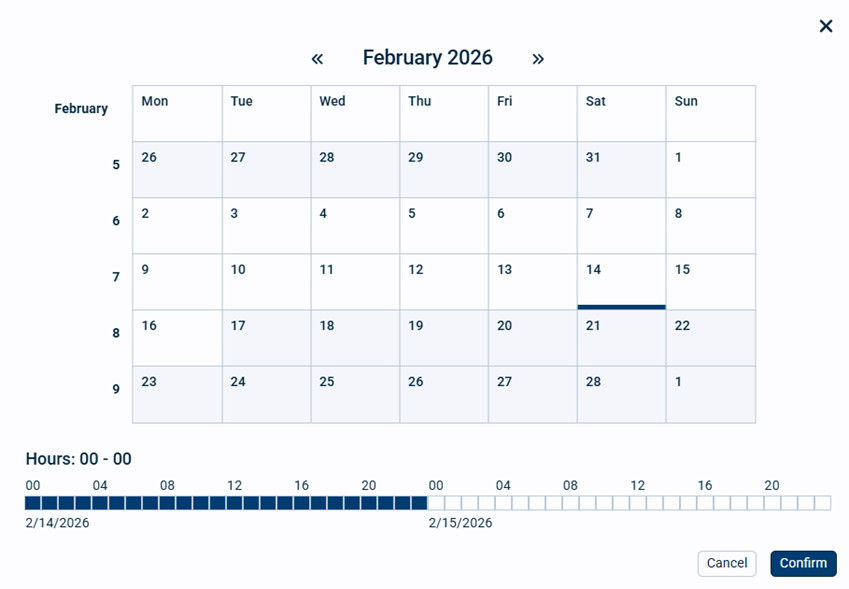
From the calendar you set up what date(s) and default hours you want to view the measurements for.
The following operations are available:
•Select the date you wish to start from. If you want several dates, click and drag over several dates.
•At the bottom you can select the hours from and to as standard view. Default is 00 - 00. Click and drag over the hours to select new hours from and to.
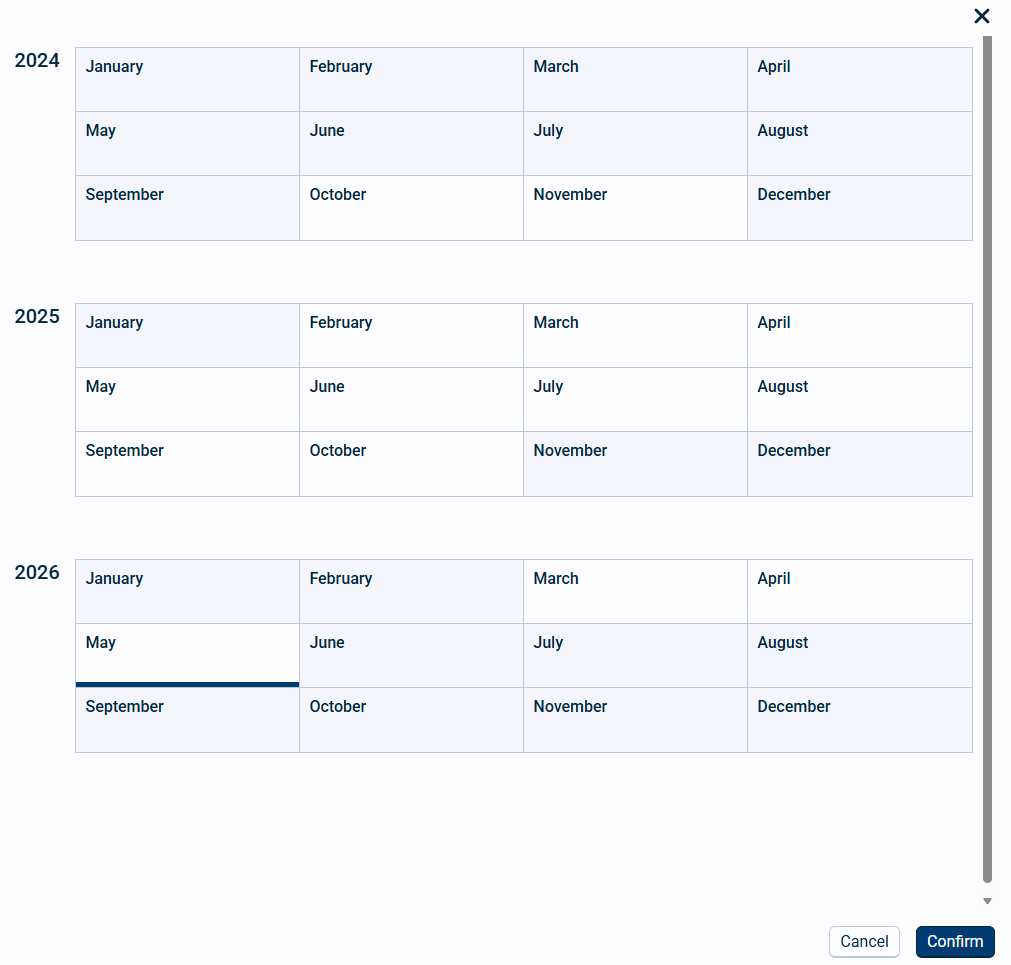
•Click on the Month/Year on the top to select other months or years to view:
•Click Confirm to save the selection or cancel to revert back to previous selection.
Remember that you can go back to the previous view using the time back button. 