The Live window (also called Livedata) will display data in the same time resolution as profileA in the sound setup down to one second being the highest resolution. The last current values will be shown.
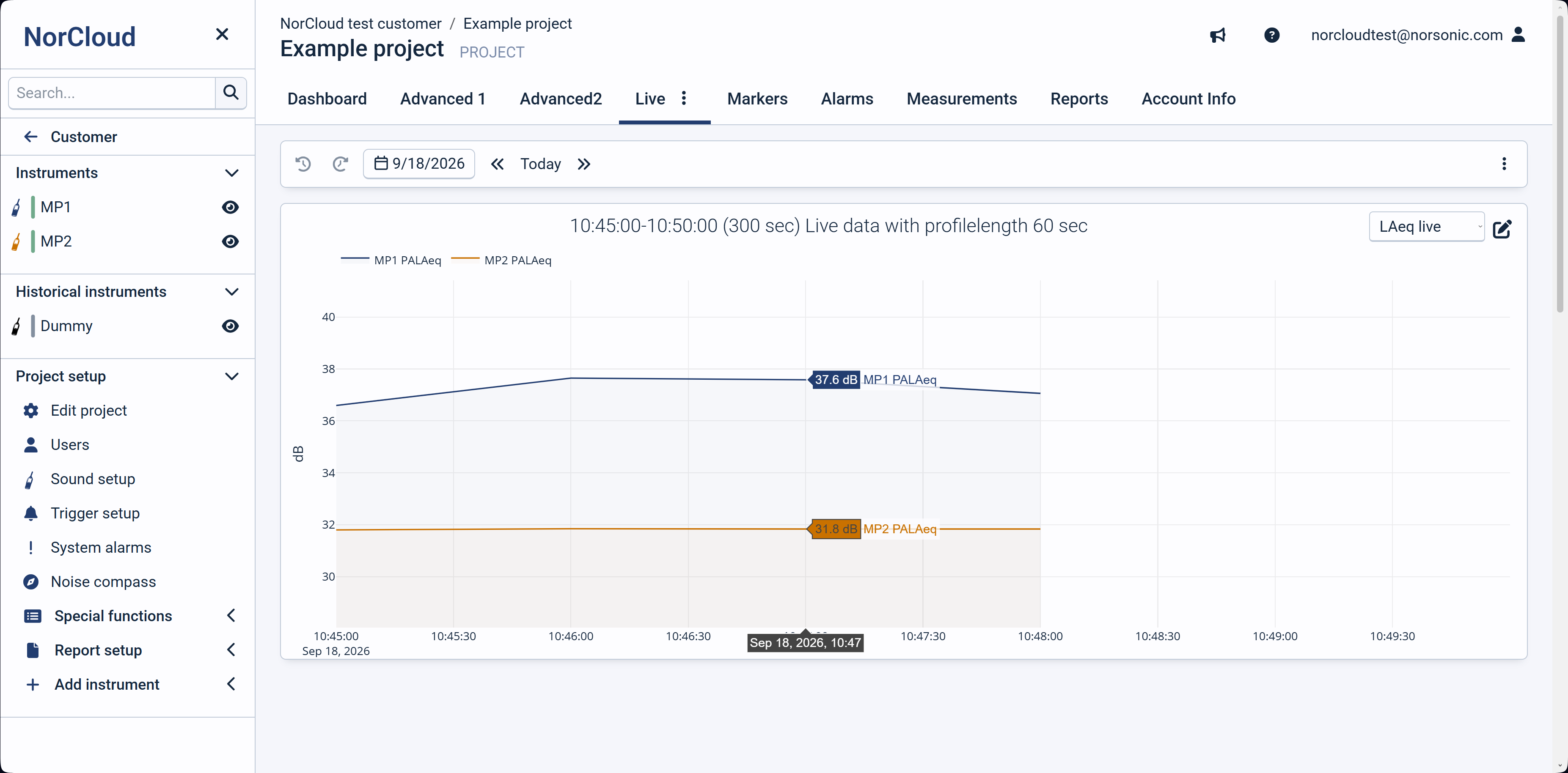
The live view has 2 different actions depending on the project setting "Measurement upload frequency":
•Upload frequency set to Continuous: The live view will show you profile data for sound functions. The view will start from current time and data from instrument will stream for each profile length. If profile length is set to less than 1 second, the data will be stream each second.
•Upload frequency set to Every hour: The data from the instrument will be streamed every minute with LAeq summarized for the last minute. The period will be shown in the current 3 hours.
Please note that the Live view will not work if you are using https streaming.
Weather or noise compass data are not supported in the live window.
Please note that when having a long (e.g., one minute) profileA resolution, it will take some time for the live window to update as it will wait for the first sample to appear. Meanwhile you will see a loading icon in the window.