Here you will have the possibility to get information from the instrument and send commands to it.
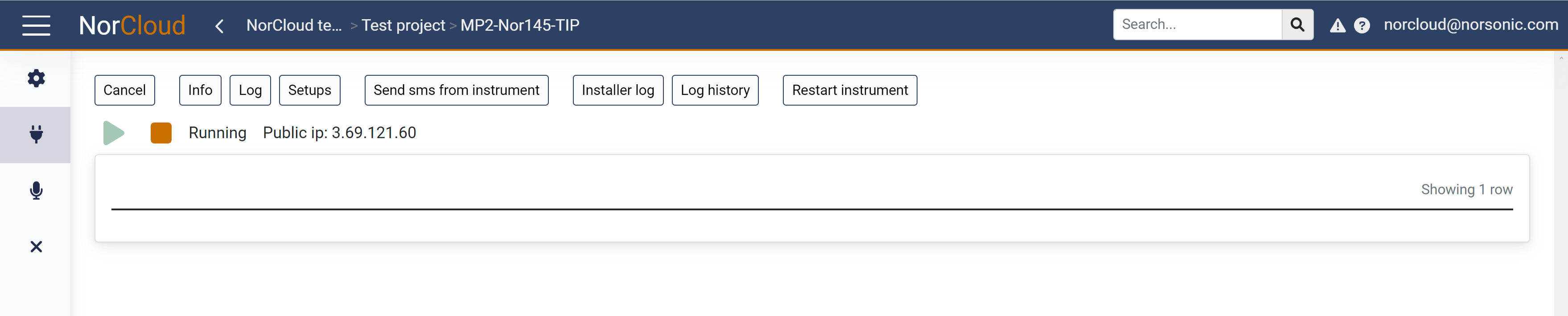
Back: Does not do anything with the instrument and returns to the sound sensor main page.
Restart instrument will stop the measurements and restart the instrument.
The Play (green) and stop (red) buttons will start and stop the measurement on the instrument. When the measurement is active, the status will be Running. When it is stopped, the status is Idle or Saved. If there are no connection to the instrument from NorCloud, the status is Disabled.